v1.0.0-beta.32
📌 Summary
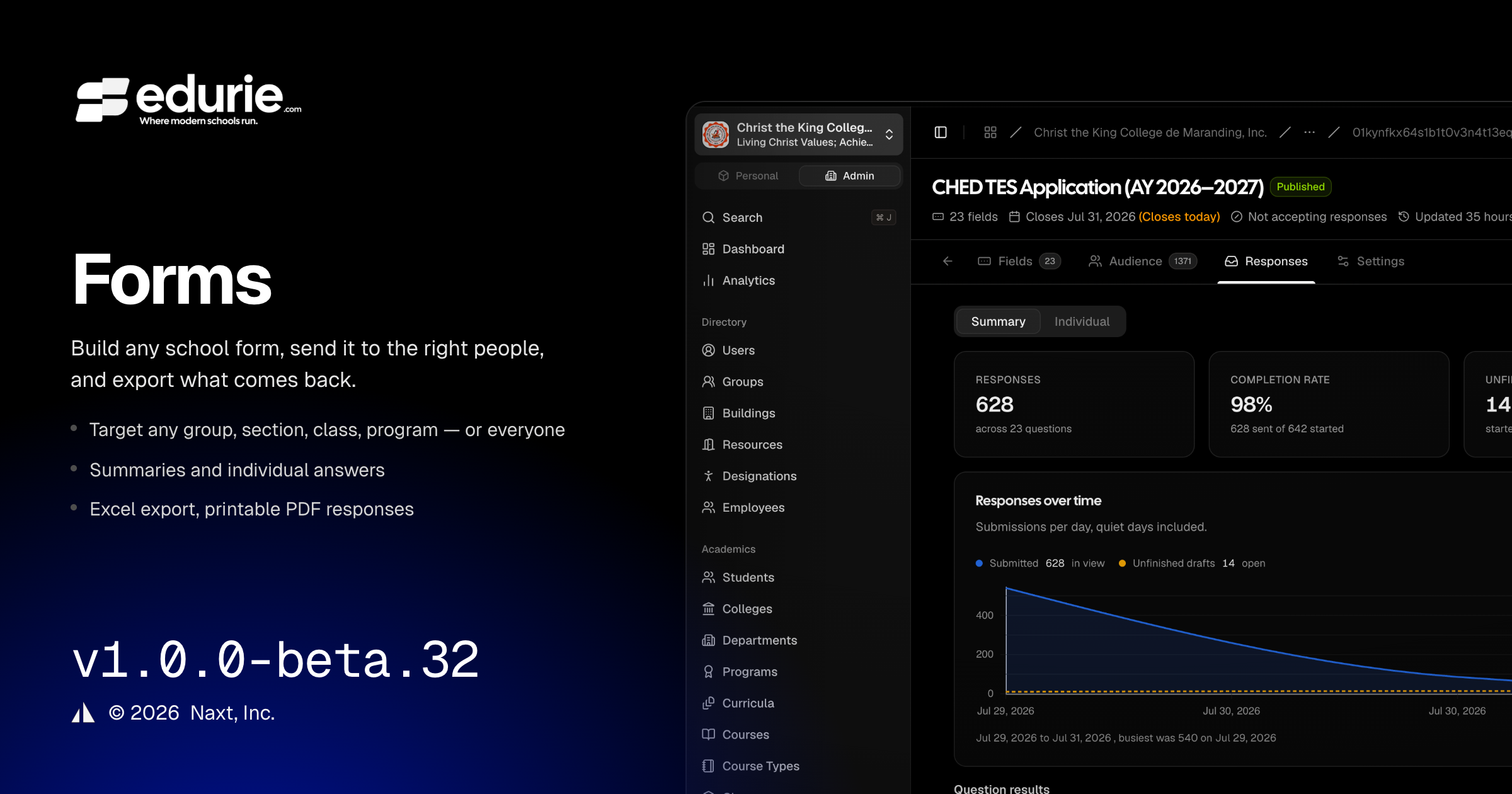
Introduced the Forms module for creating, targeting, collecting, reviewing, summarizing, and exporting school forms.
Added registrar-owned Official Demographics on membership profiles to support reporting and form workflows.
Improved reliability and usability across dropdowns, load errors, mobile filters, and export dialogs.
Updated the admin navigation language from Communications to Engagement where applicable.
✨ What’s New
Forms
School staff can now create and publish Forms with custom fields, response windows, anonymity, multiple-response settings, and response-editing rules.
Forms can be targeted to specific audiences, including roles, groups, sections, Classes, programs, academic levels, specific school users, or everyone.
Targeted school users now have a personal Forms area where they can view assigned forms, save drafts when available, submit responses, and review submitted answers.
Forms now support additional field types: file upload, linear scale, time, URL, radio grid, and checkbox grid.
Form owners can view response summaries, individual responses, and response tables from the Responses area.
Form responses can be exported to XLSX, and individual responses can be downloaded as printable PDFs.
Academic records
Membership profiles now include an Official Demographics section for registrar-managed details such as sex, birthdate, contact information, address, parent/guardian information, disability details, indigenous group, and government/program identifiers.
🛠 Improvements
Forms
Form exports now include relevant identity and demographics columns when applicable, while anonymous forms continue to protect respondent identity.
Respondent-facing results summaries include privacy safeguards for small response counts.
Admin experience
Selection dropdowns across the app are more consistent, keep selected items visible during search, and provide clearer feedback when options cannot be loaded.
The admin sidebar, command palette, and role capability grouping now use Engagement for Announcements, Forms, and Events.
🩹 Fixes
Admin experience
Missing or inaccessible records now show an inline “not available” state instead of a full-page error.
List and settings pages now distinguish load errors from empty results, including retry options where appropriate.
Admissions
The Admission Cycle Form Schema tab now uses the same full builder layout as Forms, without extra inset spacing, duplicated headings, or page-level scrolling.
Mobile experience
Filter controls on small screens no longer clip options; all filters remain reachable on affected list pages.
Form-card footers now stack cleanly on mobile so help text and Save/Discard actions remain readable.
Class list and enrollment export dialogs now keep Cancel and Export actions visible on mobile by allowing the dialog body to scroll.