v1.0.0-beta.36
📌 Summary
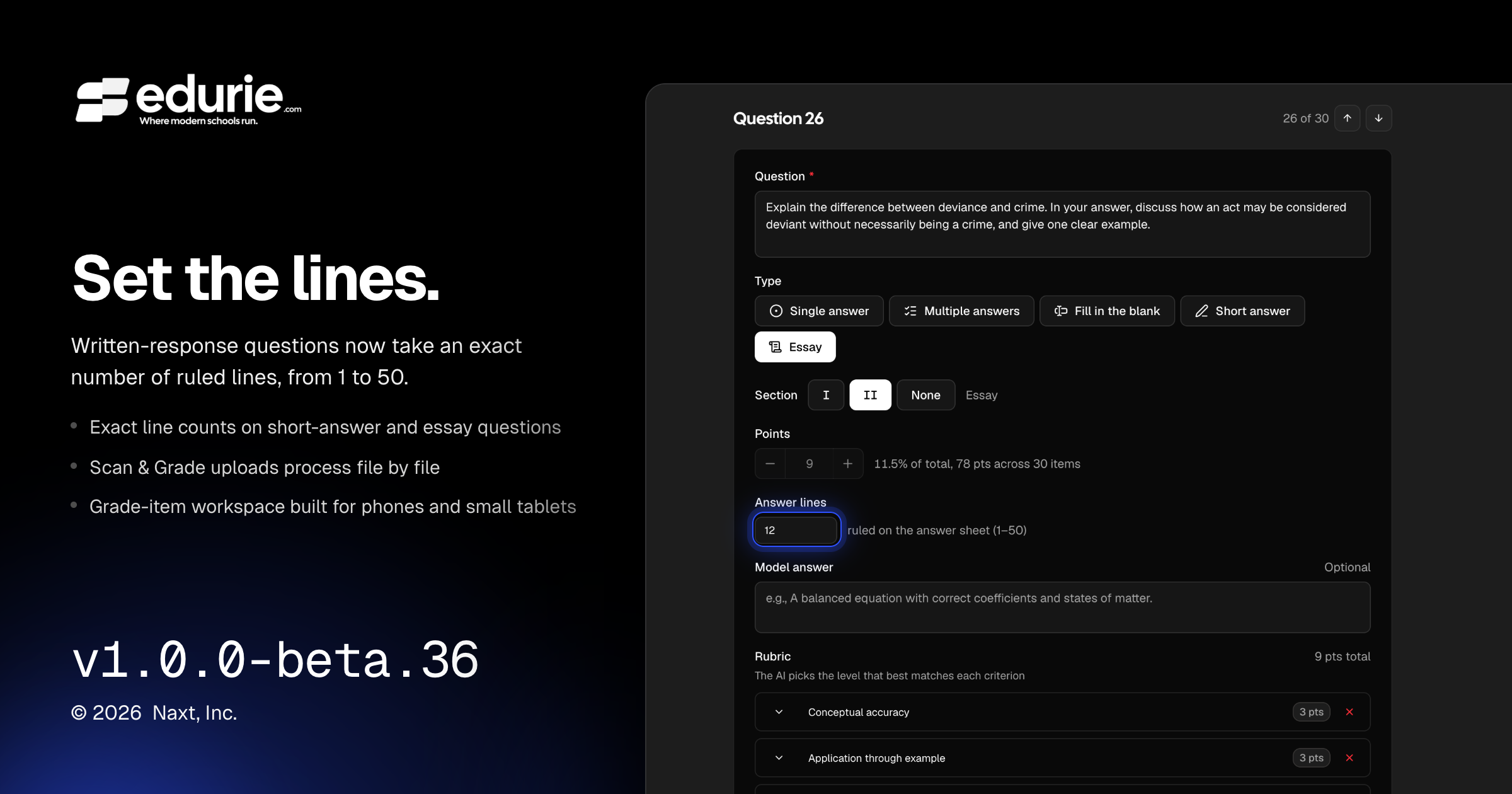
Teachers can now set written-response answer space using an exact line count from 1–50.
Scan & Grade uploads are more reliable for large batches, with per-file progress and failures.
The grade-item workspace is easier to use on phones and small tablets.
Several workspace layout issues were resolved, including extra page scroll, overflowing tabs, and collapsed action buttons.
✨ What’s New
Gradebook
Written-response questions now support a custom line count from 1–50, replacing the previous short/medium/long presets. Existing defaults remain the same for new short-answer and essay questions.
🛠 Improvements
Gradebook
Scan & Grade uploads now process each scan file individually, making large batches more reliable and allowing successful files to continue even if one file has an issue.
The grade-item workspace now adapts better on phones and small tablets, including improved scrolling, sheet review, and unmatched-scan triage workflows.
Workspace headers are more responsive on smaller screens, with actions moving into overflow menus where needed while preserving keyboard shortcuts.
Admin experience
Generated account and email verification links are now more consistently secure in production environments.
Behind-the-scenes quality updates improve reliability across application workflows and background processing.
🩹 Fixes
Gradebook
Fixed an issue where the build assistant could silently stop when working with attached documents in production.
Fixed grade-item workspace pages sometimes becoming too tall after a production reload, causing unnecessary scrolling.
Fixed collapsed icon buttons in the grade-item workspace header.
Fixed Print and Scan & Grade empty states so they display at the intended size instead of stretching across the full workspace.
Fixed a mobile grading issue where switching between scan panes could discard unsaved rubric edits.
Academic records
Fixed grouped enrollment export previews so program tabs stay inside the dialog and can be scrolled horizontally when needed.