v1.0.0-beta.37
📌 Summary
Assessment authors can create richer question content with formatted text, math, code, images, tables, blanks, and figures.
Teachers can now upload full-class scanned answer sheets with clearer page-based limits, progress, retry, and resume support.
The assistant now handles existing assessment sections more reliably when adding questions.
✨ What’s New
Gradebook & grading
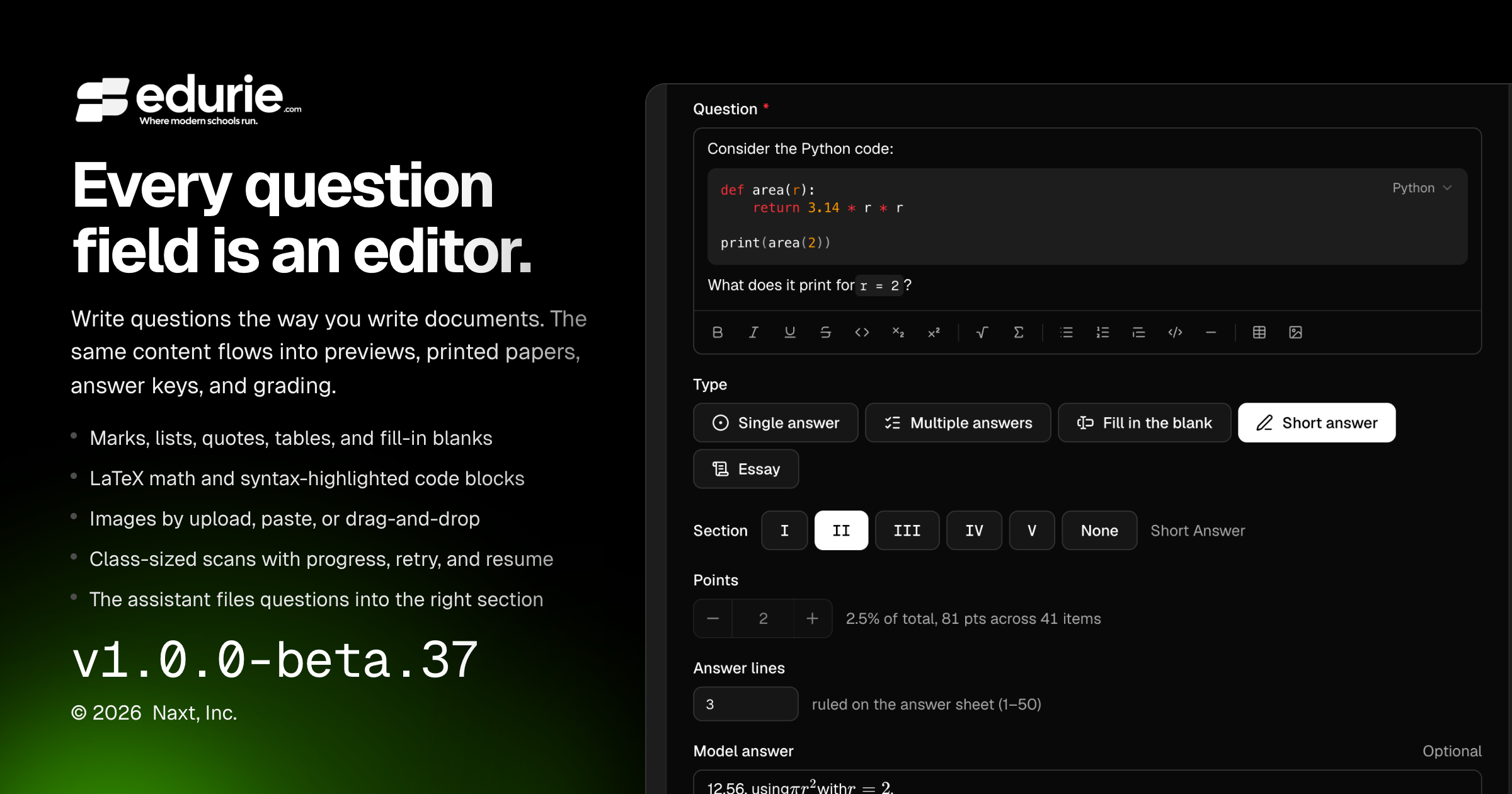
Question prompts now support rich content, including formatted text, lists, block quotes, tables, blanks, math, and code.
Option labels and model answers can now include inline rich formatting where supported.
Teachers can add figures to question content by upload, paste, or drag-and-drop, with captions and size controls.
Rich question content, math, code, and figures now carry through previews, printed question papers, answer keys, assistant drafting, and grading workflows where relevant.
Teachers can upload larger class-sized scan files, including merged scans for an entire class.
Scan uploads now show per-file and batch progress, support retry and remove actions, and can resume large uploads after a dropped connection or page reload.
🛠 Improvements
Gradebook & grading
Scan upload limits now reflect the selected class’s roster and sheet layout, with clearer explanations of the page cap before processing starts.
The upload step now counts pages before uploading when possible, helping teachers catch oversized scan batches earlier.
Larger scan uploads now provide clearer validation messages for file, batch, and page-limit issues.
Code content now renders with more consistent syntax highlighting across authoring, preview, and printed materials.
🩹 Fixes
Gradebook & grading
Fixed an issue where the assistant could create duplicate section headings when adding questions to an assessment that already had sections.
Fixed assistant section filing so newly added questions are placed into the intended existing section more reliably, and unused empty headings from incomplete assistant turns are cleaned up.