v1.0.0-beta.39
📌 Summary
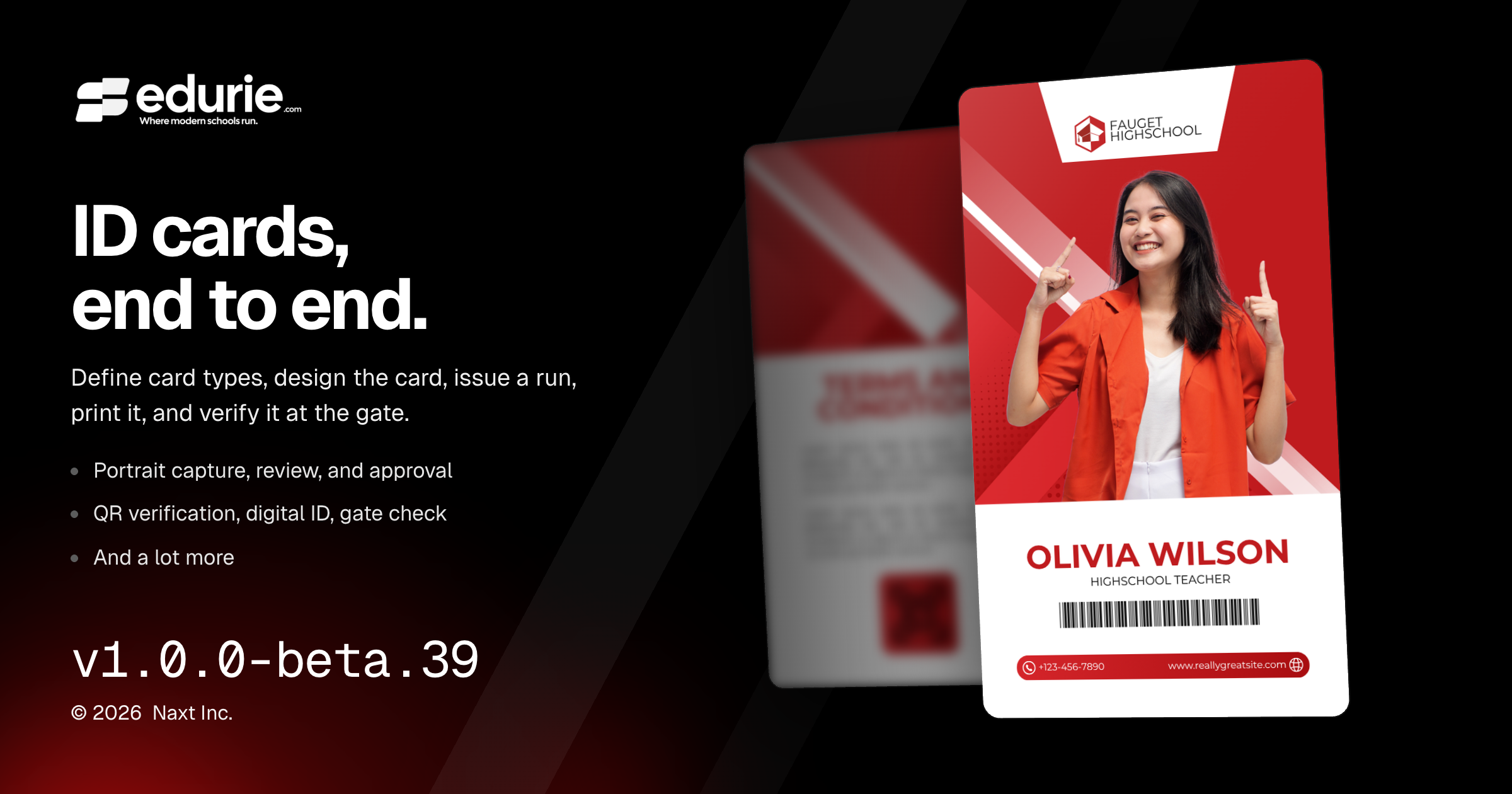
Introduced a full ID Cards workflow for configuring card types, designing cards, issuing cards, exporting bundles, printing, verification, digital IDs, and gate checks.
Added Portraits tools for capture, self-submission, photographer imports, review, approval, enhancement, and photo adjustments.
Improved consistency across dialogs and error states so common workflows are clearer and easier to recover from.
Fixed enrollment and ID card design issues that could block valid workflows or produce incorrect design behavior.
✨ What’s New
ID Cards
School admins can define card types such as Student, Instructor, Staff, and Alumni, including eligibility, validity, signatory office, card design, and uniform references.
Schools can use built-in card designs or upload their own finished artwork, then place member details, portraits, QR codes, signatures, and other fields on top of the design.
Registrars can create ID card runs, select members, check portrait readiness, and export a bundle for card apps or print shops.
Issued cards now support reprint, replace, and revoke workflows, with each card carrying a unique number and status.
Schools can print an individual card or selected cards directly from the browser using their own card printer.
Card QR codes can be verified publicly, members can view a digital ID on their phone, and staff can use Gate check to validate cards on site.
Portraits
Staff can capture portraits at a station, members can submit their own photos, and photographer files can be imported into one review workflow.
Reviewers can approve, reject, re-cut, and bulk-approve portraits before they are used on cards or in directory views.
Schools that opt in can enhance portraits with the school uniform and review the original and enhanced versions side by side before approval.
Enhanced portrait rendering can now be tailored by card type with a backdrop color and lighting preset.
Portrait capture and review now include exposure, warm–cool, and straightening controls, with an optional automatic correction setting for each school.
🛠 Improvements
Admin experience
Dialogs across the app now use more consistent titles, descriptions, Cancel buttons, and action labels for a clearer editing and confirmation experience.
🩹 Fixes
Academic records
Enrollments can now be created and edited without selecting a Program when the student is placed by academic level only.
Admin experience
Screens now show clear load-error messages with retry options when data cannot be loaded, instead of showing empty states, stalled pages, or blank editable forms.
ID Cards
Card design artwork handling is more reliable: required front artwork cannot be cleared accidentally, file type mismatches are rejected, landscape artwork displays correctly, and replacing artwork no longer risks losing the existing file if the new upload fails.